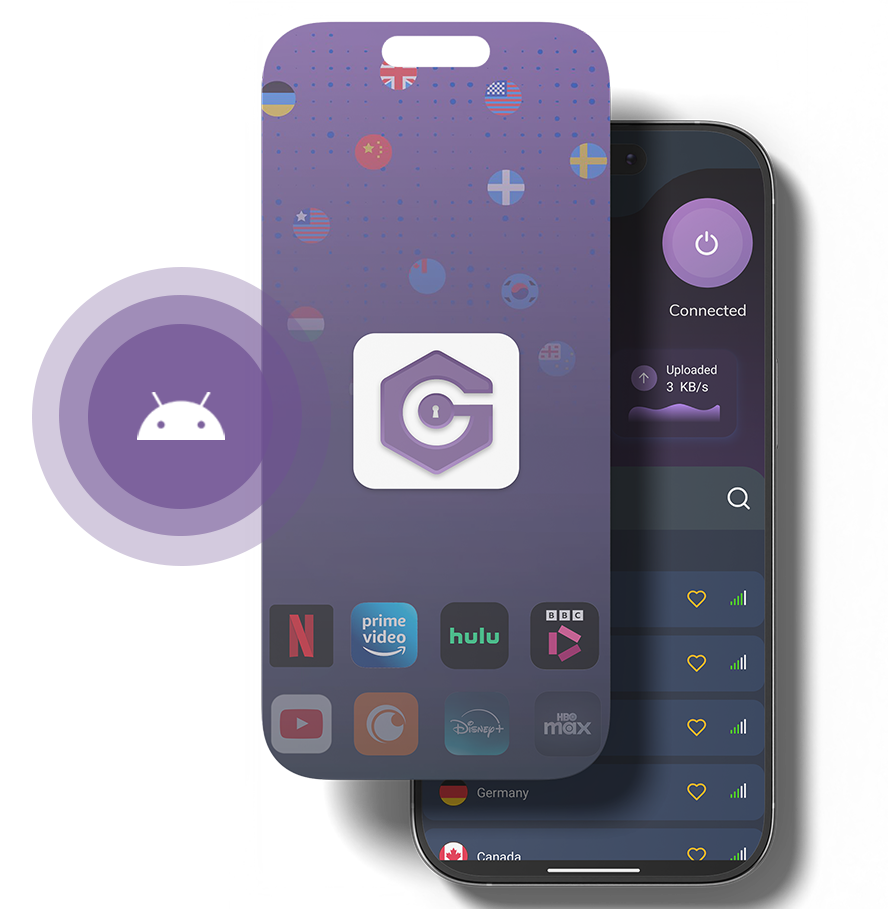
GatewayVPN Android App
VPN for Android That Just Works — Private, Fast & Secure.
Join thousands of users who chose GatewayVPN as their best vpn app for android. One tap to hide IP, secure WiFi, and unlock global content.
- Bypass censorship and access streaming sites worldwide.
- Browse the internet anonymously.
- Secure your connection on public WiFi with military-grade encryption.
- Safeguard your data with strict no-logs protection — powered by trusted privacy standards.

Our Android VPN app is also available as an APK.
Available on


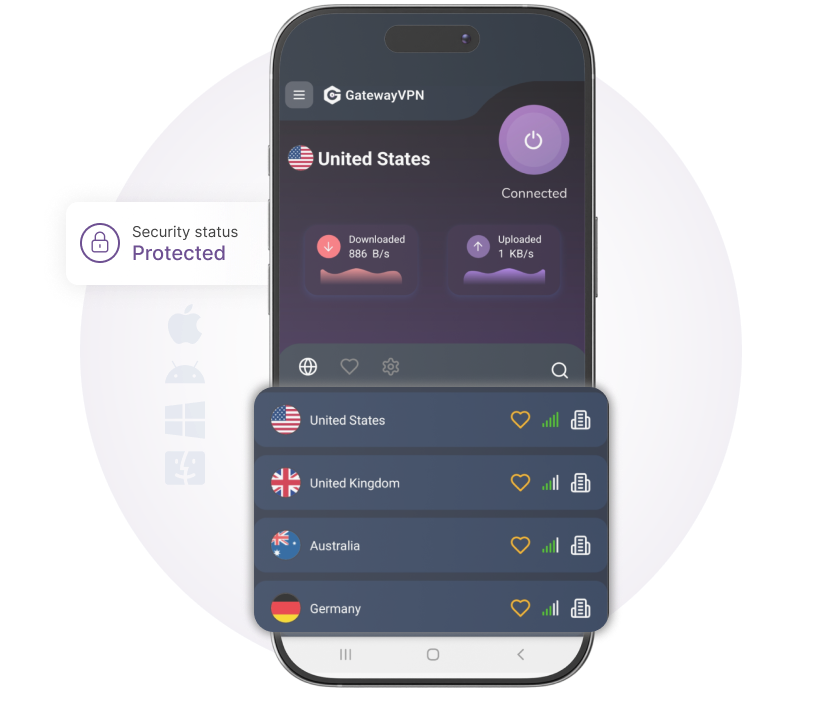
Android Optimized
Secure Your Private Info
Your online privacy is at risk from hackers, ISPs, and tech giants. Secure it with GatewayVPN’s one-click, advanced encryption.
- Our AES-256-bit encryption safeguards your data across all devices.
- With our no-logs policy and 24/7 support, you enjoy a safe, private online experience without complexity.
- Try GatewayVPN today for secure browsing anywhere, anytime.
Split Tunneling Feature
Full Control Over Your Traffic
Route what you want through the VPN and keep the rest on your regular connection. Split Tunneling gives you total control over your traffic without slowing you down.
- Choose which apps or websites use the VPN and which connect directly.
- Improve speed by keeping high-bandwidth activities outside the tunnel.
- Access local services while staying secure on sensitive connections.
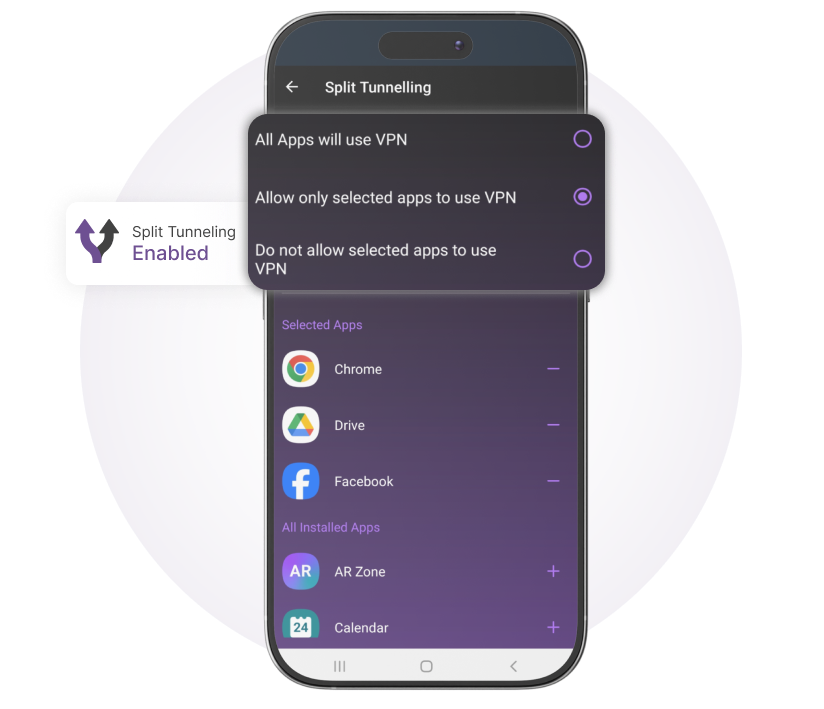
Split Tunneling Feature
Full Control Over Your Traffic
Route what you want through the VPN and keep the rest on your regular connection. Split Tunneling gives you total control over your traffic without slowing you down.
- Choose which apps or websites use the VPN and which connect directly.
- Improve speed by keeping high-bandwidth activities outside the tunnel.
- Access local services while staying secure on sensitive connections.
Why Android Users Need GatewayVPN
Android powers over 70% of the world’s phones, but public WiFi and carrier tracking leave your data exposed. Whether you need a vpn for android phone for travel or daily browsing, GatewayVPN acts as a secure tunnel for your digital life.
True Privacy
Strict no-logs policy audited and verified.
Android Optimized
Battery-efficient protocol (WireGuard®) built for your device.
Bypass Restrictions
Access streaming apps and news from anywhere.
What is the Best VPN for Android?
Finding the right vpn for android means cutting through the marketing claims. We compared GatewayVPN directly against other top apps on the Play Store so you don’t have to.
Feature | GatewayVPN | Others |
|---|---|---|
Android Split Tunneling (Run VPN only for Chrome, not games) | Included for Free | Limited or Premium Only |
Battery Drain Impact (Crucial for android phone longevity) | Minimal (WireGuard®) | Moderate to Heavy Drain |
Servers Worldwide (Speed matters for best android vpn claims) | 6,000+ Servers in 60+ Countries | Often limited to 50-60 |
Tracker Blocking (Saves data & extends battery life) | Built-in at OS Level | Requires Separate App or Subscription |
Streaming & Geo-Block Bypass (Netflix, Hulu, BBC iPlayer, Disney+) | Unblocks Consistently | Frequently Detected & Blocked |
When you ask what is the best vpn for android, the answer is always about the balance of speed and security. GatewayVPN is engineered specifically for Android 9 and up.
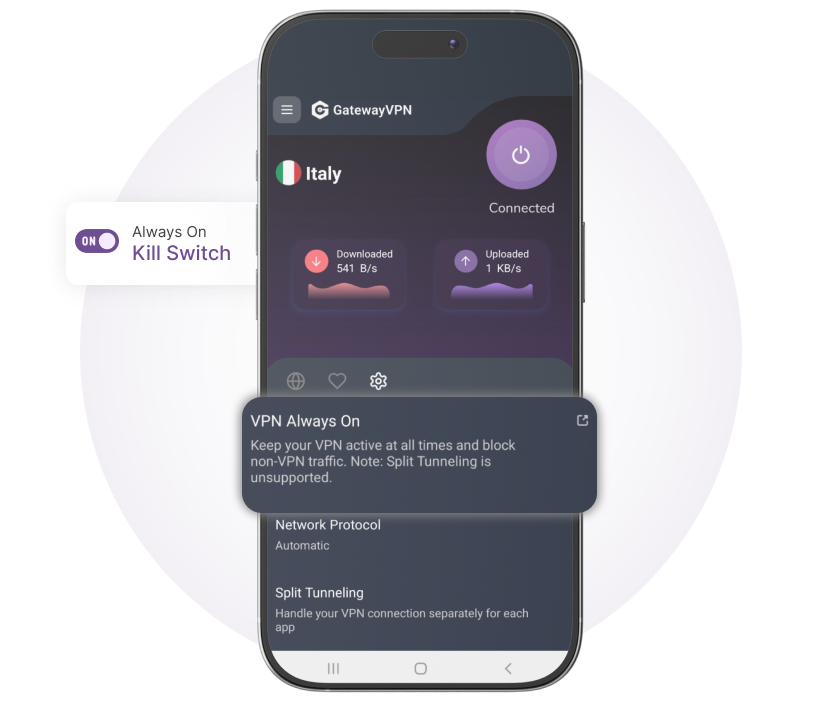
VPN Always On Feature
No Leaks, No Accidents
Stay protected at all times—GatewayVPN’s Always On feature ensures your connection is never exposed, even if the VPN drops.
- Automatically reconnects if the VPN connection is interrupted.
- Blocks internet access until a secure connection is restored.
- Runs silently in the background for continuous, hands-free protection.
How to Set Up a VPN for Android Phone
1
InstallDownload and install GatewayVPN on your device.
2
ConnectConnect to any server from our global server network.
3
EnjoySecure and unlimited access to the internet!
The Safest VPN for Android Features
Military-Grade Encryption Meets Android Simplicity.
Discover why tech reviewers call us the safest vpn for android available on Google Play.
Kill Switch for Android
Your data stays protected even when your connection wobbles. If your WiFi drops or you switch networks, GatewayVPN instantly blocks all internet traffic until the secure tunnel is restored. Your real IP never leaks—guaranteed.
Always-On VPN Mode
Lock down your android phone completely. Enable this system-level Android feature and GatewayVPN blocks any data from leaving your device unless the vpn app for android is active. No accidental exposure. No exceptions.
Private DNS
Your ISP sees every website you visit—unless you stop them. GatewayVPN routes all DNS queries through our encrypted servers, not your carrier's default. That means Comcast, Verizon, or your local coffee shop sees nothing but encrypted traffic on your android vpn connection.
No-Logs Guarantee
We don't track what you do, where you go, or how long you stay. Zero logs. Zero timestamps. Zero IP storage. Our policy is independently audited and verified—because the safest vpn for android is the one that has nothing to hand over if asked.

Your Gateway to Unrestricted Internet
Browse freely, hide your location, and access global content securely with GatewayVPN. Backed by our 30-day guarantee: love it or get a full refund.
Frequently asked questions
GatewayVPN requires Android 6.0 (Marshmallow) or higher. Our app is optimized for both phones and tablets.
No. We have a strict no‑logs policy—we never record your browsing or downloads.
You can reach our customer support team by tapping Support in the app or email [email protected] for 24/7 help.
One subscription lets you secure up to 5 devices simultaneously—so you can protect your phone, tablet, laptop, and more, all at once.
Yes—our specialized “Streaming” servers are optimized to unblock region‑locked libraries on Netflix, Hulu, Disney+, BBC iPlayer, and more.
Absolutely. All of our servers support P2P traffic, and we even highlight the fastest P2P‑optimized locations in the app.
We support WireGuard® (recommended), OpenVPN (UDP/TCP), and IKEv2, all secured with AES‑256 bit encryption.
Creating an account is simple! Click the "Get Started" button in the top right corner, fill in your email, and you're ready to go. The entire process takes less than 2 minutes.
To reset your password, click on the "Forgot Password" link on the login page. Enter your email address, and we'll send you a password reset link. Follow the instructions in the email to create a new password.
You can update your billing information by logging into your account, navigating to the "Billing" section, and clicking on "Update Payment Method". Here you can add, remove, or modify your payment details.
Open the Google Play Store and search for “GatewayVPN.” Tap Install. Once installed, open the app and log in with your GatewayVPN account credentials.
While we don’t have a free trial, we stand behind our service with a 30‑day money‑back guarantee. If you’re not satisfied, just request a full refund within 30 days of purchase.
Connect to a server closer to your location. Switch protocols (WireGuard® is fastest). Use Best Server For You to automatically pick the top performer.
Open the app and go to Settings. Tap Split Tunneling, pick apps to exclude, and save.